ProductsUpdated
Create products, variants, reviews, coupons, and shipping
Set up products for sale with variants, review management, coupons, services, stock, and shipping rules.
productsvariantsshippingcoupons
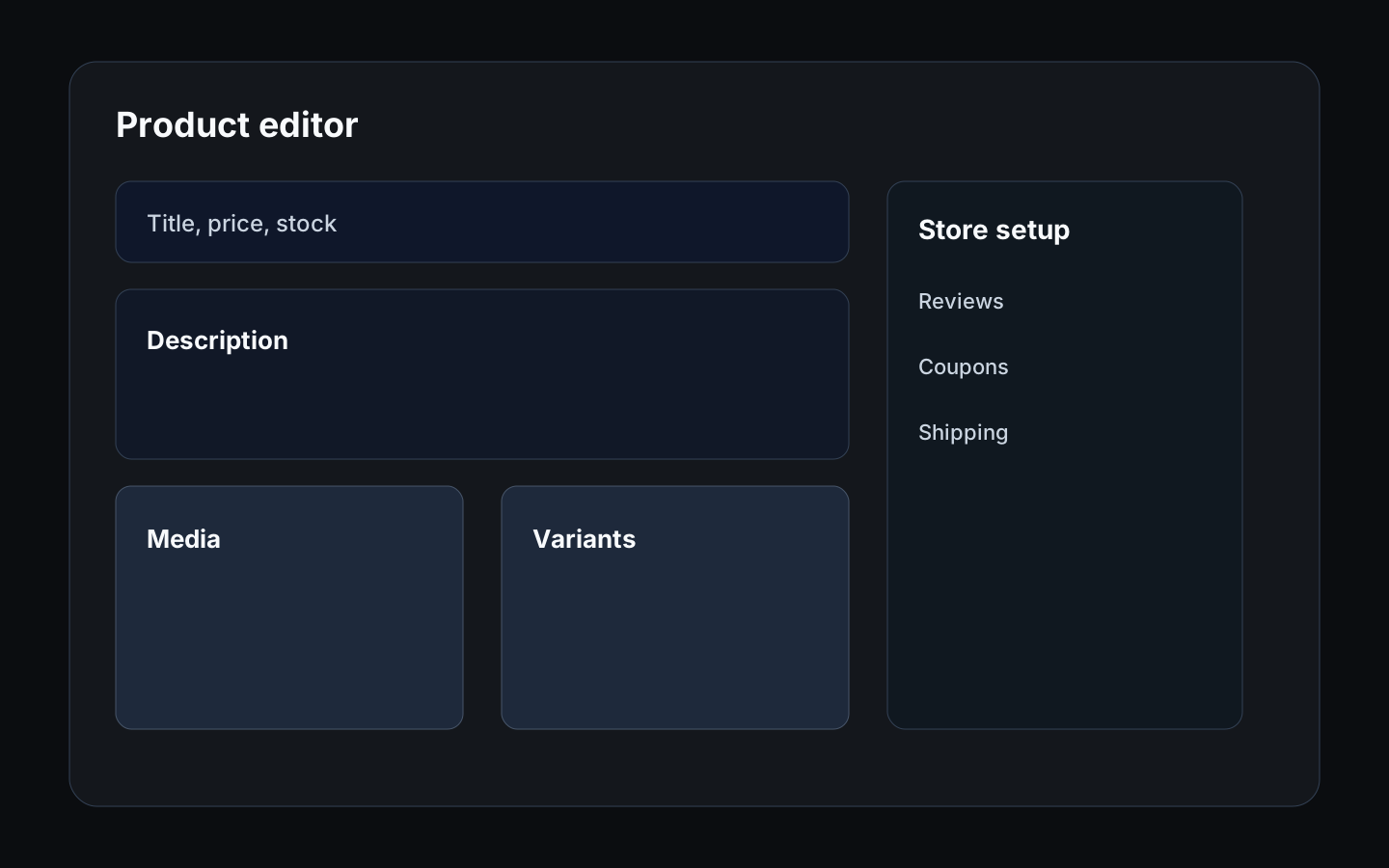
Complete product setup before driving traffic to the store or adding products to a livestream. For product-led live selling, follow this together with Run livestreams with OBS, YouTube, chat, replays, and AI clips. If you also sell appointments, the matching setup lives in Offer bookable services.
Before you start
- Prepare product names, descriptions, prices, stock, media, and shipping details.
- Decide whether the item needs variants such as size, colour, or condition.
- Confirm any coupon or review moderation rules.
Create a product
- Open Store > Products and choose Add product.
- Give it a name and a short description buyers will see first.
- Add a cover photo, then set the price.
- Under Delivery, choose Physical product if you post it, or Digital or service if you deliver files, links, or a service yourself.
- Set Status to On sale in your shop when it is ready, then choose Save.
- Use Preview to see the product page the way buyers will.
Products you are still working on can stay as Draft. Add variants such as size or colour, stock, and more photos whenever you like.
Configure reviews, coupons, and shipping
- Open Settings > Storefront > Reviews to manage product reviews.
- Open Settings > Storefront > Coupons to create or review discounts.
- Open Settings > Storefront > Shipping to configure delivery options.
- If you sell services, review Services, Availability, Staff, and Bookings in Offer bookable services.
Expected result
Buyers should see accurate product information, valid prices, working checkout, and clear shipping or service expectations.
Troubleshooting
- If checkout blocks a product, check stock, price, shipping, and publication status.
- If variants are confusing, simplify names and remove unavailable options.
- If reviews need action, use the reviews page before replying publicly.
Was this helpful?